

Common tools for sysadmins have long transcended computers and desktops. Many of these tools allow us to control the equipment telematically, that is, remotely.
Currently, there are many tools that utilize this function, many of them to achieve a broader core functionality, and many others that offer this function exclusively. These tools can be found in the official repositories of any distribution or on the official websites of the tools ready to install on our GNU/Linux system. But first, we need to understand what Remote Desktop is and what situations it's useful for.
The Remote Desktop function , also known as VNC (Virtual Network Computing), is a function that allows us to manage any computer remotely, so that it is the user or administrator who manages it.
The control is such that in many cases we can have a small sale with the desktop of the remote computer, as if it were a small monitor. This function is very interesting and you only need a High Speed Internet connection to be able to control the system from another computer.

Once connected, a window will open on your computer displaying the remote system's desktop. You can use this window with your mouse or keyboard to enter a code, password, or simply perform precise configuration . This is similar to how VirtualBox virtual machines work.
Remote Desktop tools can be used for both professional use and home use
Companies that offer remote assistance or support for technical problems , or even support calls, use these Remote Desktop tools to manage certain configurations on their clients' computers or to check if there are problems or not.
Another benefit of Remote Desktop is the ability to have one operating system within another . In this case, from our Linux computer, we can control any computer or device running Windows or macOS, on a temporary basis.
Everything seems very easy and it is, however to use any Remote Desktop tool we must bear in mind that we need a powerful computer and above all a fast connection, which is what will maintain everything.
In the world of Gnu / Linux we can find many Remote Desktop tools but below we will indicate the 5 most popular and powerful tools to have this function in our operating system.

Vinegar
Vinagre is a tool integrated into GNOME desktop environments . Like Gedit, Vinagre replaces VNC functionality within the GNOME desktop, although this can be changed or removed. Vinagre is also included in other desktop environments that have little to do with GNOME, such as Ubuntu's Unity. Its configuration is straightforward, though some basic networking knowledge is required. To use Vinagre, simply specify the IP address of the machine to be controlled and your own IP address.

In the case of the other computer, we need to add both our computer's IP address and its IP address . Vinagre is a powerful yet easy-to-use tool for novice users, which is why many developers include it in their operating systems, projects, etc. Vinagre is present in many GNU/Linux distributions and is free.
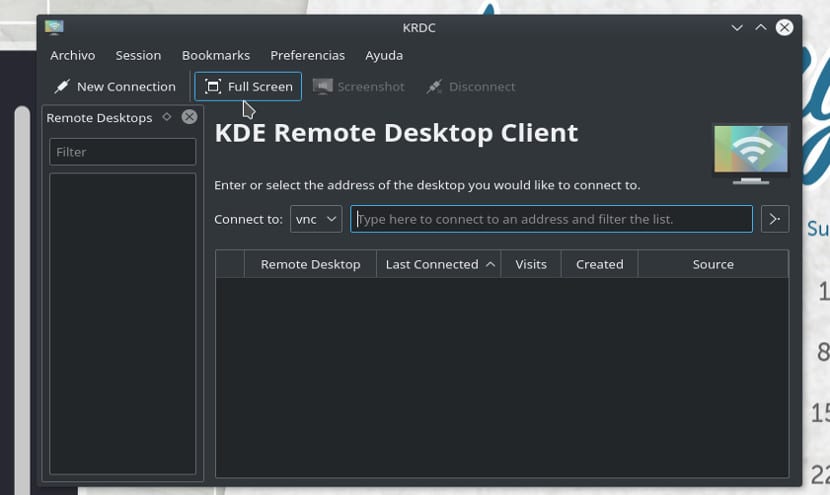
For users of KDE and similar environments that use QT libraries, the alternative to Vinagre is called KRDC, a program that is installed by default just like Vinagre in Gnome and that offers the same features and is focused on the same type of user, users with networking knowledge.
TeamViewer
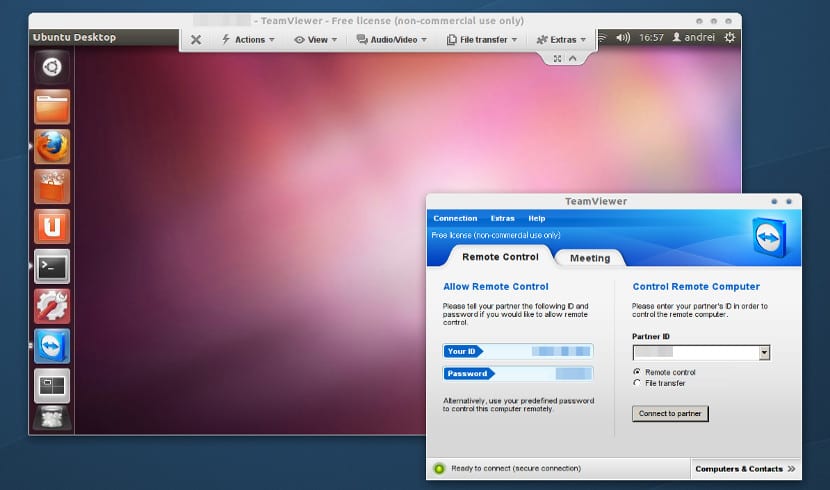
TeamViewer is a proprietary solution, although it's also free . Its ease of use has made it stand out not only in the business world but also for personal use as the best VNC tool. It's simple to use and requires no networking knowledge.
We simply need to install the host and client applications on both computers . The program will then provide a code that applies to each computer. To connect and control the computer remotely, we simply enter the password from the other computer, and that's it.
As you can see, you don't need any knowledge of networks or IP addresses to use it , and the configurations of other programs don't affect TeamViewer's functionality. Unfortunately, TeamViewer isn't free software; it's proprietary, which causes some resistance. However, if you don't have much networking experience, it's the best option.
RealVNC
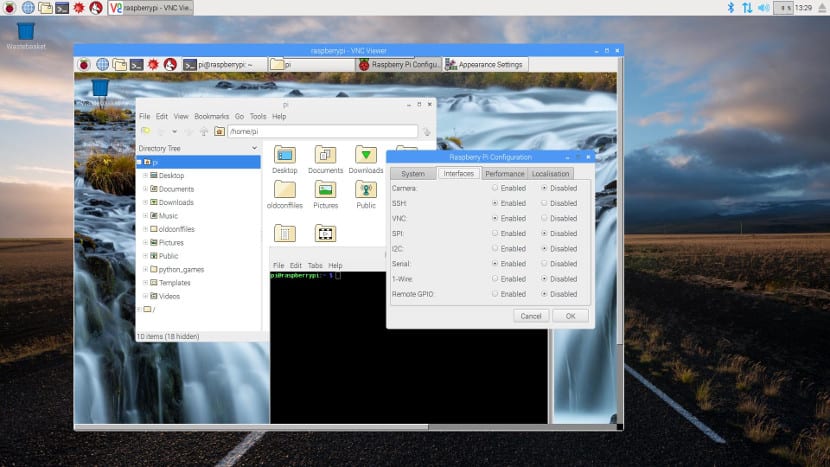
RealVNC is a program with similar code to Vinagre . Both projects are based on the same code, but RealVNC has versions for many more platforms, not only for GNU/Linux but also for other platforms like macOS or Windows and open-source hardware platforms like Raspberry Pi.
In this case, RealVNC is a more complete Remote Desktop program than Vinagre , but also more difficult for novice users. Therefore, RealVNC is not pre-installed on many distributions; instead, you have to use repositories or external packages. If you need these, you can find them for free on the official website.
SSH
You've probably heard of SSH, and in many cases, you may have even used it. SSH is a small program that uses the SSH protocol and allows you to connect remotely to an operating system . In this case, however, the connection is made through the terminal.
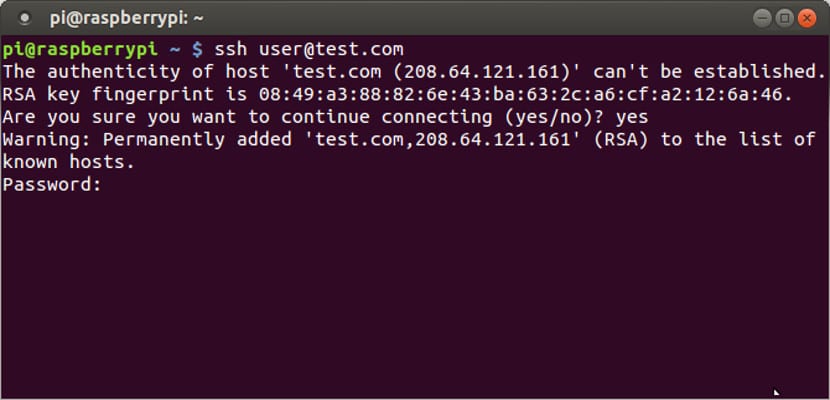
Something that means that we cannot use the mouse and that we also need fewer resources than in other applications, but it is also a problematic protocol that can cause security problems. Something that teaches us that the Remote Desktop function cannot be used constantly or left open.
Chrome Remote Beta
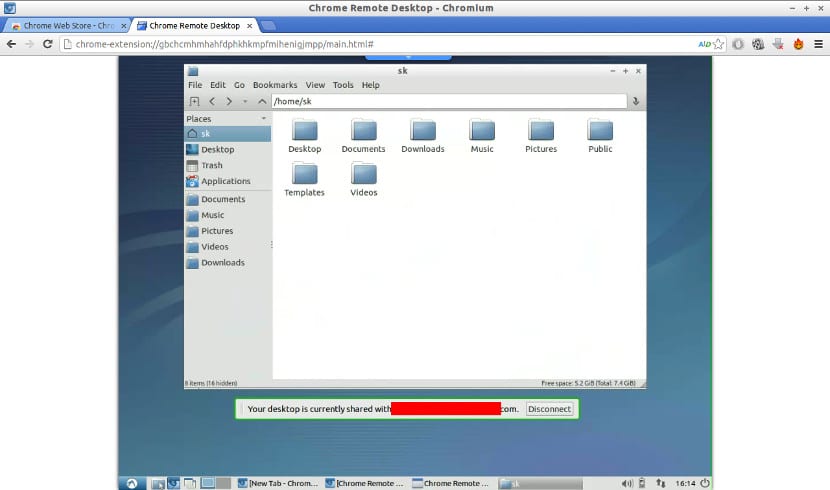
This option is proprietary, like TeamViewer, but it's also suitable for novice users. This Google solution allows us to use Remote Desktop with a browser plugin . Chrome is a widely used browser on computers, not only on Windows and macOS but also on GNU/Linux, so we can use this feature on almost any operating system. To use and install it, we simply need to install the plugin in the Chrome browser on both operating systems.
Conclusion
These are the five best Remote Desktop applications that we found for our Gnu / Linux system. And surely many of you will wonder which one is better.
Personally, I think Vinagre is a great tool for personal computers. However, if you're a novice user, the best option is TeamViewer , a very complete option for beginners despite being proprietary. And you , which program do you choose?
Table of Contents