
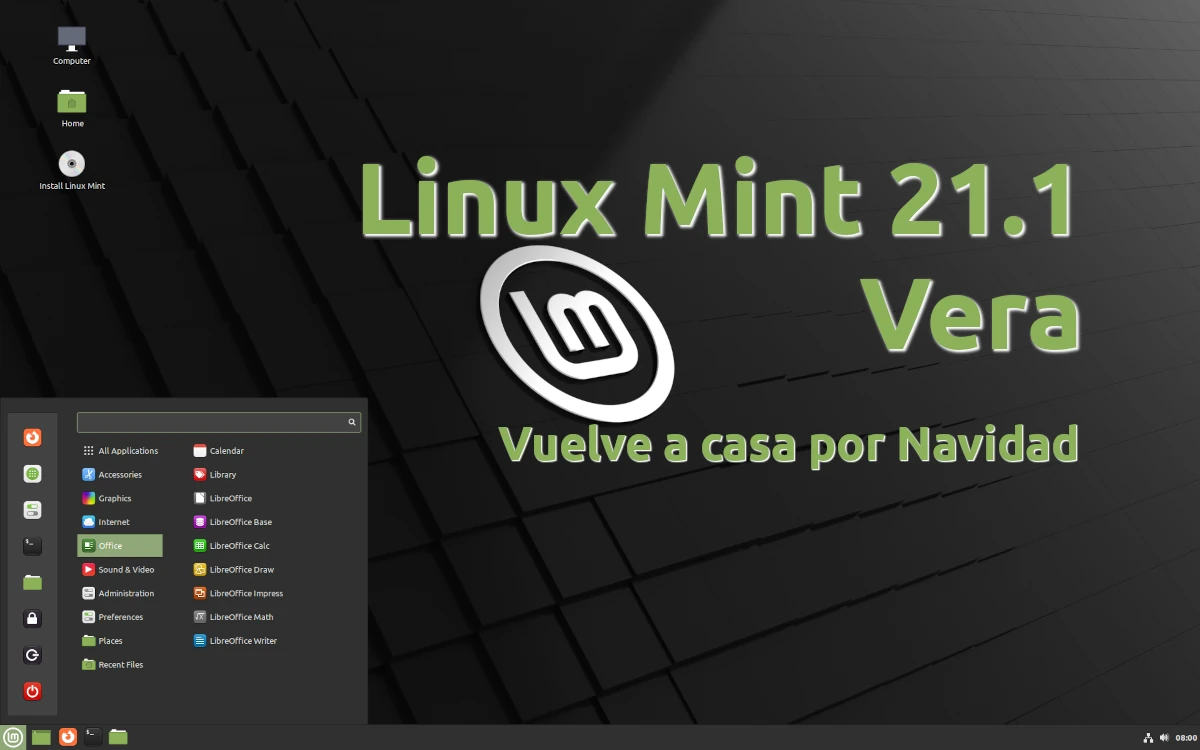
While it's an important part of the news, it's also something that was expected. Clem Lefebvre usually releases the October Ubuntu-based Linux Mint during the Christmas holidays, and the December 2022 release was no exception. He just published the September release notes for his project, and the first two pieces of information he shared were when Linux Mint 21.1 will arrive and what its codename will be.
We've already given the date, and it's the same as in recent years. The codename will be another one starting with V, and if 21.0 was called Vanessa , 21.1 will have the codename Vera . The rest of the article discusses the work they're doing, both for the current versions and for the future Vera.

Backports and improvements for Linux Mint 21.x, and even 20.x
Lefebvre says that some backports have been made for use in current versions. The word "backports" could be translated as "bringing back" or something like that, but what it means is that software, theoretically from future versions, is being ported to older versions. With that explained, Blueman has been updated to version 2.3.2 on Linux Mint 21. Additionally, Timeshift 22.06.5 is now available on Linux Mint 20.x.
From here we talk about many changes that in theory are destined for Linux Mint 21.1 Vera, but some of them will also reach, at least, Linux Mint 21.0.
- Software Sources: Following the demise of apt-key, software sources have received changes to modify the way PPA keys are handled. When a PPA is added, its key is now only accepted for the PPA itself, not globally for all APT Sources.
- Driver Manager has received many improvements:
- Added a dummy hardware device, dummy packages with exotic dependencies, and a test mode so we could easily troubleshoot a variety of different scenarios.
- The manager has been made to run in user mode, so a password is no longer needed to launch it.
- Debconf is now supported correctly. This was a problem for NVIDIA drivers when SecureBoot was enabled. This scenario was fixed.
- Packagekit was patched to receive the ability to purge packages (ie not only remove them but also remove their configuration files). Driver manager now purges removed drivers. This fixes a niche issue with NVIDIA drivers when switching between different driver versions.
- The user interface has been improved.
- Offline support has been redesigned. Driver Manager now shows a dedicated screen if offline.
- There is a different screen if it detects a live USB stick (or DVD).
- The way it mounts a Live USB and adds it as a source to install drivers is more robust than before. These enhancements make installing Broadcom wireless drivers easier than ever before.
- The ISO image verification tool now allows you to verify ISO images from the right-click menu, among other improvements.
- Desktop icons for My Computer, Personal Folder, Trash, and Networks will be hidden by default in future releases, likely starting with Linux Mint 21.1 Vera. Clem explains that the personal folder is still as a panel and a favorite in the main menu. My Computer, Trash and Networks are not being used much and can be accessed from the file manager. Files in ~/Desktop will remain visible, as well as mounted devices. Lefebvre insists that this will be the default and that it can be configured from the settings.
Personally, although I'm not a Linux Mint user, I think the latter is a good decision, since I prefer a clean desktop containing only the material I'm working with. However, this is just my personal opinion. The changes will arrive in the future, barring any unforeseen circumstances, starting around Christmas 2022.