

Looking for a lightweight Linux distribution ? GNU/Linux-based systems are extremely versatile. We've seen GNU/Linux installed on smartphones and supercomputers alike. Nothing is beyond the capabilities of this portable and efficient all-rounder. In this article, we'll compile a list of the best lightweight Linux distributions for computers with limited resources or older models.
You'll all remember the news about the Russian (Dmitry) who managed to boot Ubuntu with Linux kernel 2.6.34 on a machine with an 8-bit processor . This is the most extreme case known to date, breaking the record for low-resource performance. In fact, the system he used was an Atmega1284p microcontroller and an ARM emulator that he wrote himself to run 32-bit software on an 8-bit chip.
The result was that Ubuntu needed 2 hours to boot into text mode and 4 hours to boot into graphical mode with this 6,5MHz chip and only 8-bit word size. But in the end, it booted, which is the interesting part. If you try that with Windows or Mac OS X or other operating systems, you'll probably fail. Which demonstrates Linux's ability to adapt to anything…

Nor do we need to go to such extreme cases; the famous and successful Raspberry Pi has limited resources and yet can run various Linux distributions for ARM. And believe me, it does so quite smoothly. Can you imagine the result of a more demanding operating system on a Raspberry Pi?
You probably don't want to wait four hours to boot your Linux distribution, but perhaps you have a low-resource or older computer , maybe an 80486 or an old AM386, or perhaps you simply bought a cheap computer and it runs slowly with a traditional Linux distribution. If you want to know which Linux distribution to install that consumes few resources, here's a list.
Anti-X
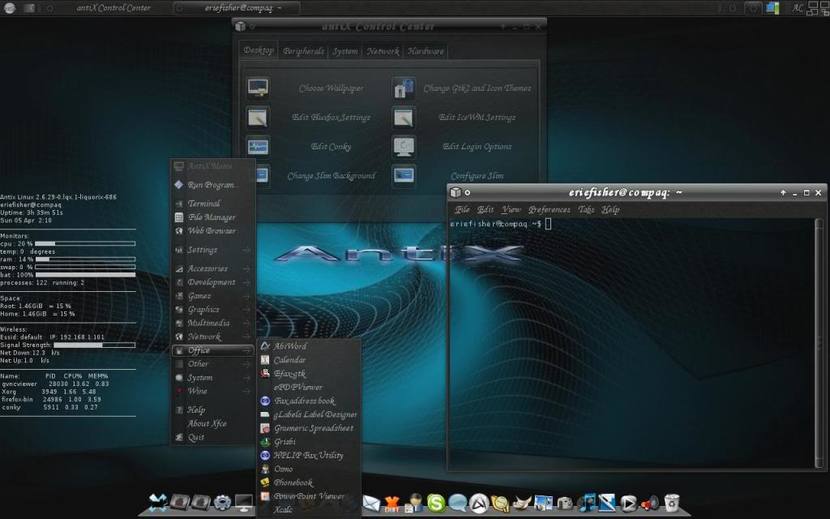
To run AntiX, you only need a Pentium II and 64MB of RAM, although 128MB is recommended. Therefore, it can be installed on computers from the late 90s without any problems. You can download its image, which is less than 700MB, so you can burn it to a CD for installation.
It includes several pre-installed application packages , such as LibreOffice, MPLayer, the lightweight Iceweasel browser, the Claws email client, and more. Its desktop environment is based on GNOME and written in C++; it's called IceWM.
SparkyLinux

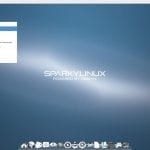
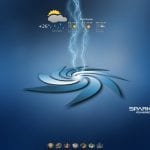
SparkyLinux is a Debian-based distribution. It includes desktop environments such as Razor-Qt, LXDE, Openbox/JWM, e17, and MATE, offering a wide range to choose your preferred environment. SparkyLinux is specifically designed to run on older computers with limited hardware resources, without compromising on a good and complete operating system.
It only needs 256MB of RAM for LXDE, OpenBox, or e17; this increases to 384MB if you choose Razor-QT. In any case, it can run on older 32-bit processors, such as the Pentium III or similar, and only requires 5GB of free hard drive space.

The included packages are LibreOffice, GIMP, PlayOnLinux, Dropbox, TeamViewer, QMMP, and VLC, which will be installed by default. And although there's a complete guide to help you learn how to use it, it's not a simple distribution.

Puppy Linux
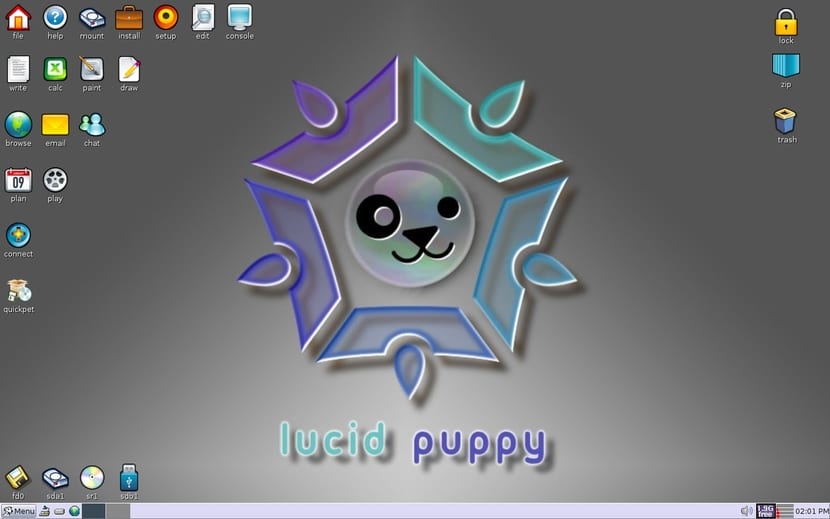
Puppy Linux is one of my favorites . Puppy is a distribution designed to use as few resources as possible. It has interesting applications, offers several lightweight desktop environments (LXDE, JWM, IceWM), is easy to use, complete, and can boot from a USB drive or be installed on the hard drive. The official website has a great wiki for finding answers to questions or solving problems.
It's available for download; the image is only about 100MB and it's available as a LiveCD or LiveUSB. It uses so little memory that with OpenOffice open, it won't exceed 256MB of RAM. As for the requirements, it can boot with just 64MB, although you can also use 512MB of free space to create a swap partition. A 486 processor should be sufficient.
By the way, there's a version of Puppy Linux Lucid based on Ubuntu and another, Sacko Puppy, based on Slackware. Two different philosophies so you can choose the one you're most comfortable with. There are also "pupplets ," which are Puppy-based distributions with the same goals: speed, stability, automatic hardware detection, and a large number of programs available in a small footprint.
The latest version released by the project was Puppy 6.3 in November 2015, since then there is no news in this regard ...
Lubuntu
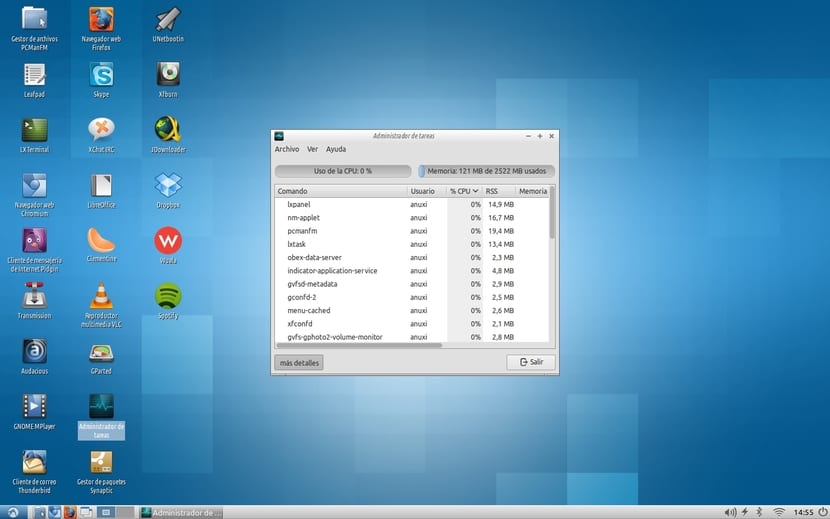
Lubuntu is the most popular of these distributions; it's a lightweight Ubuntu-based distribution with the LXDE desktop environment, designed for computers with fewer resources. As an official distribution, its development and updates are kept in line with Ubuntu. It can run on machines with limited RAM, older chipsets, and small hard drives. If you have a laptop, Lubuntu is also a good option to consider.
Furthermore, the pre-installed software is also specially selected to consume few resources. Another advantage is the large community behind Ubuntu, so you'll have no shortage of support, updates, and so on.
It's even lighter than Xubuntu , with very low requirements. The resources needed to run Lubuntu are a Pentium II or Pentium III CPU (AMD K6-II, K6-III, or K7) with a clock speed of around 400MHz and at least 192MB of RAM.


Xubuntu
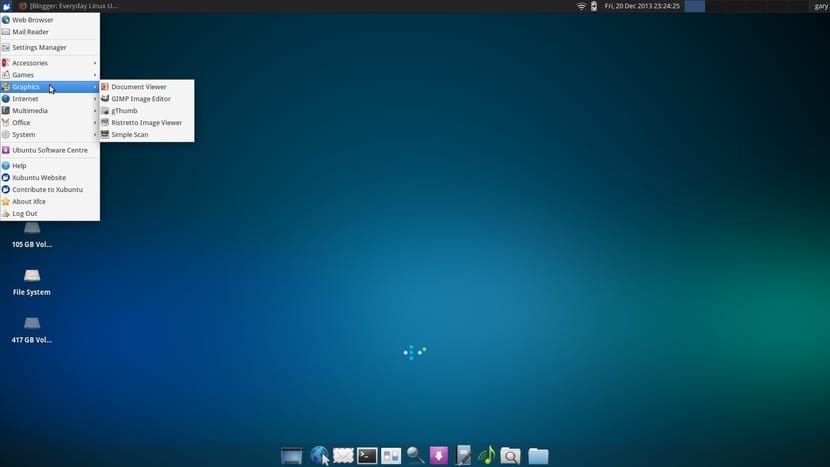
Xubuntu is a sibling of Lubuntu, both officially recognized by Canonical. It's also a lightweight Ubuntu-based desktop environment, but this time Xubuntu uses the Xfce desktop environment . If you have a computer with limited resources or want the lightest and fastest system possible, it's a great choice. Xubuntu only requires an 800MHz processor, 384MB of RAM, and at least 4GB of hard drive space.

Elementary OS
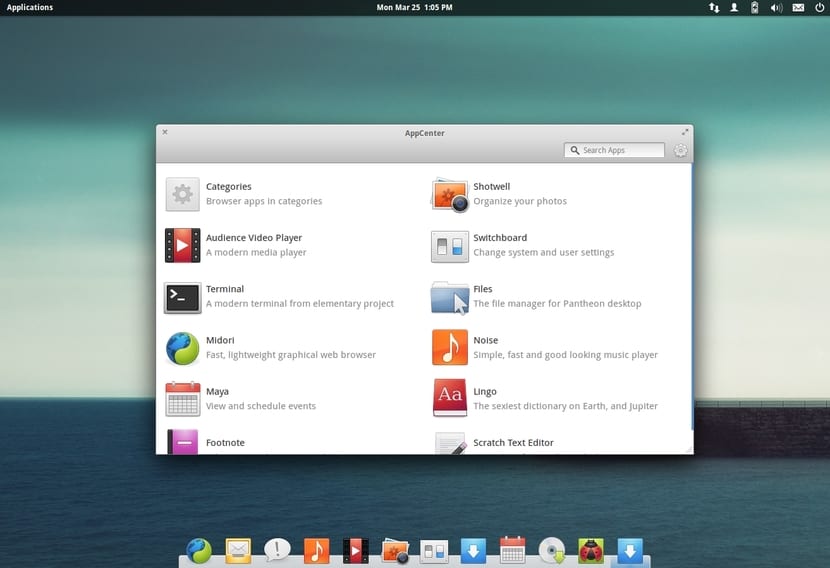
Elementary OS is a beautiful, fast, and lightweight Linux distribution. It's available for both 32-bit and 64-bit systems. It's based on Ubuntu and uses the Pantheon desktop environment, a GNOME derivative. While Elementary OS doesn't require many resources, it's not recommended for very old or low-spec computers. However, if you have a netbook or a more modern laptop with limited resources, Elementary could run perfectly well.
Elementary OS's minimum requirements are n't excessive, but they're not the lowest either. You need at least a 1GHz x86 processor or faster, 512MB of RAM, 5GB of hard drive space, a graphics card capable of handling a 1024x768 resolution, and a CD/DVD drive or USB drive for installation.

PearOS
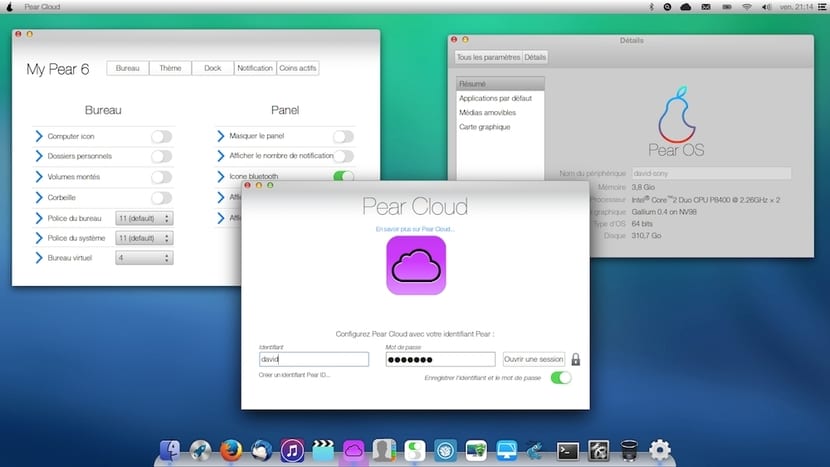
Pear OS is similar to Elementary OS in some ways. It's a distribution that attempts to emulate Mac OS X, and although it's no longer officially supported, you can still find unofficial servers online where it can be downloaded. A replacement for Pear OS, known as Clementine OS, was released, but it too has been discontinued. However, as with Pear OS, you can still find unofficial sites to download it.
Having an internet connection will make things much easier, but it's not essential . You only need a 32-bit processor of at least 700MHz, 512MB of RAM, an 8GB hard drive, a graphics card capable of handling a 1024x768 resolution, and a CD/DVD drive or USB port for installation.
PointLinux
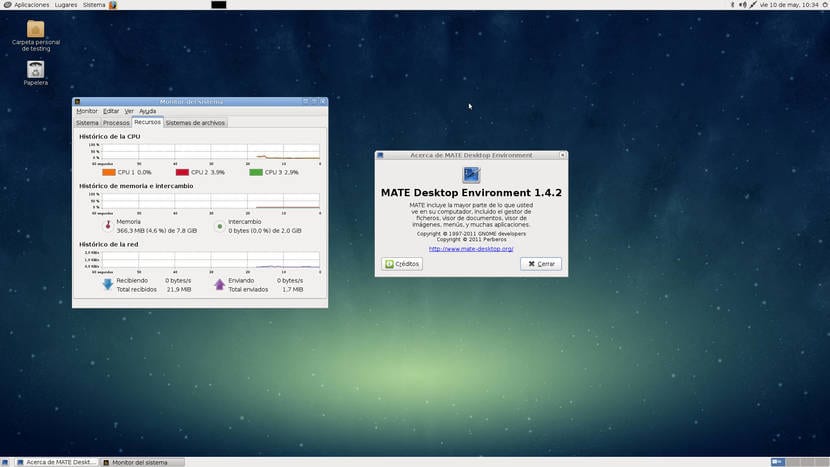
Based on Debian 7 and the MATE desktop environment, Point Linux is a lightweight and compact distribution that can be installed on computers with limited resources. It features a classic menu-driven interface and is developed by a team of developers in Russia. Users of this distro will enjoy simplicity, speed, and stability. The image takes up barely 1GB of space and is available for both 32-bit and 64-bit systems.
The minimum requirements are: a processor of at least 1GHz , 512MB of RAM, 5GB of free hard drive space, and a graphics card capable of handling resolutions of 1024x768px.

Porteus:
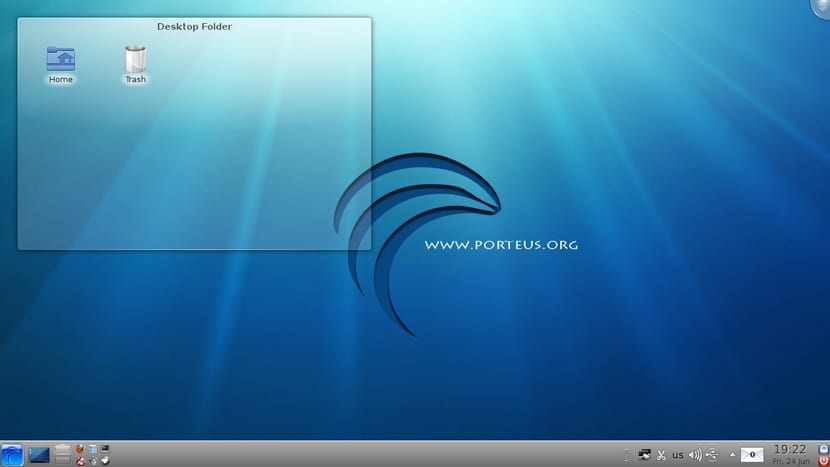
It's a portable system, and Porteus, originally called Slax Remix , is a good alternative if you need a very lightweight operating system that takes up barely 300MB of space. Depending on your requirements, you can choose between different desktop environments, such as KDE, Razor, LXDE, MATE, and XFCE. If you want greater speed, I recommend XFCE or LXDE…
If you're going to boot it in text mode , a 32-bit processor and 40MB of RAM will be sufficient. If you want to boot it in graphical mode, the X operating system will require at least 256MB of RAM, something easily achievable even on computers from the 90s.


Unfortunately, since 2014 (Porteus 3.1) there haven't been any further releases from the developers of this distro. However, you can download ISOs of previous versions.
Manjaro Linux
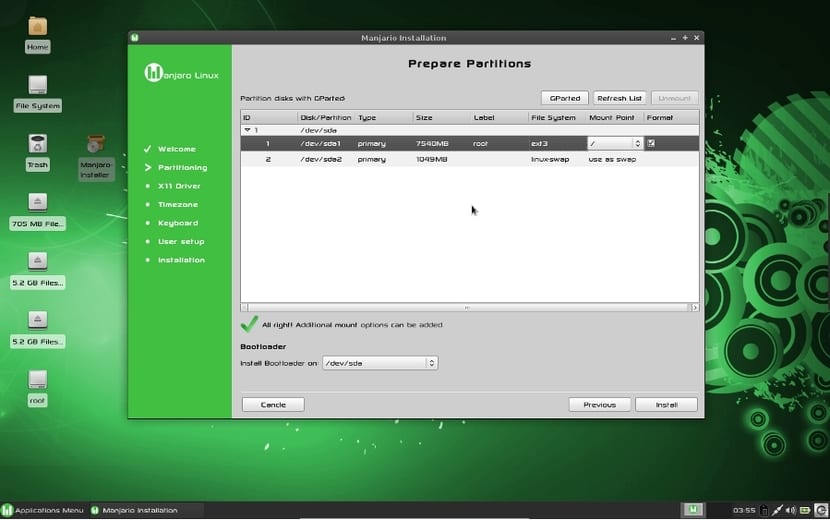
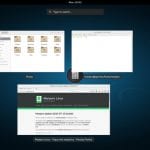
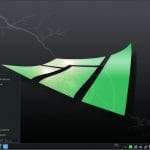
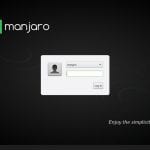
Manjaro is a relatively new, lightweight Linux distribution based on Arch Linux, but with a user-friendly installation interface. This makes things much easier, as anyone familiar with Arch Linux installation will know. You can download it in three official editions and choose between a desktop environment like Openbox or XFCE, both quite lightweight. It's a great distribution—beautiful, simple, and very complete. It's not the most resource-intensive, but it can be a good middle ground between heavier and lighter distributions.
Crunch Bang (#!)

This distro with its unusual name is a fantastic system for lightweight computers. Highly customizable with Openbox, CrunchBang is robust and secure , offering a great user experience. Its minimalist graphical interface allows it to run smoothly on older or low-resource machines.
CrunchBang is based on Debian and is available for download in 32-bit and 64-bit images. The complete ISO is only about 800MB and contains the system and its included packages. You'll only need a computer with a 600MHz processor or faster, 256MB of RAM, a graphics card compatible with 800x600 resolution, 2GB of free hard drive space, and a USB port or CD/DVD drive for installation.
The project was abandoned in 2013 when its lead developer ended his work and left it in the hands of the community. However, the project's legacy continues under the names CrunchBang++ (Plus Plus) and Bunsenlabs. https://www.bunsenlabs.org/
TinyCore

As its name suggests, TinyCore is a small Linux distribution with a rather attractive graphical environment. It's a modular distribution, meaning it uses a Linux kernel and extensions developed by the community. Furthermore, it allows the user to choose their preferred graphical environment. Its main drawback is that TinyCore isn't for beginners, with a somewhat complex installation process.
The user will have complete control over the applications installed and the hardware they want supported. Its installer is barely 10MB, making it easy to carry on any SD card, USB drive, or CD. The downside is that it includes virtually no packages: no browsers, no office suites, etc. But if you're a Linux veteran, you'll appreciate its fully customizable graphical interface, speed, and flexibility. If I had to describe TinyCore in one word, it would be "customizable."
TinyCore's requirements are reduced to a 486DX processor and 32MB of RAM . Undoubtedly one of the most minimalist and lightweight options.
Arch Linux with some lightweith DE

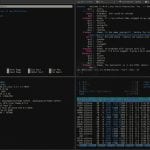
Arch Linux is probably one of the most powerful Linux distributions , but also one of the most complicated to use. Therefore, it's not suitable for beginners, but its complexity provides great flexibility and power that many advanced users surely seek.
Arch Linux is highly optimized , so it won't waste resources like some other distributions. Furthermore, it comes with the essentials, but you can customize it to your needs, for example, by installing a lightweight desktop environment. You have a choice of different lightweight environments and window managers: Pantheon, MATE, i3, Openbox, LxQt, and more.
Mini Trisquel
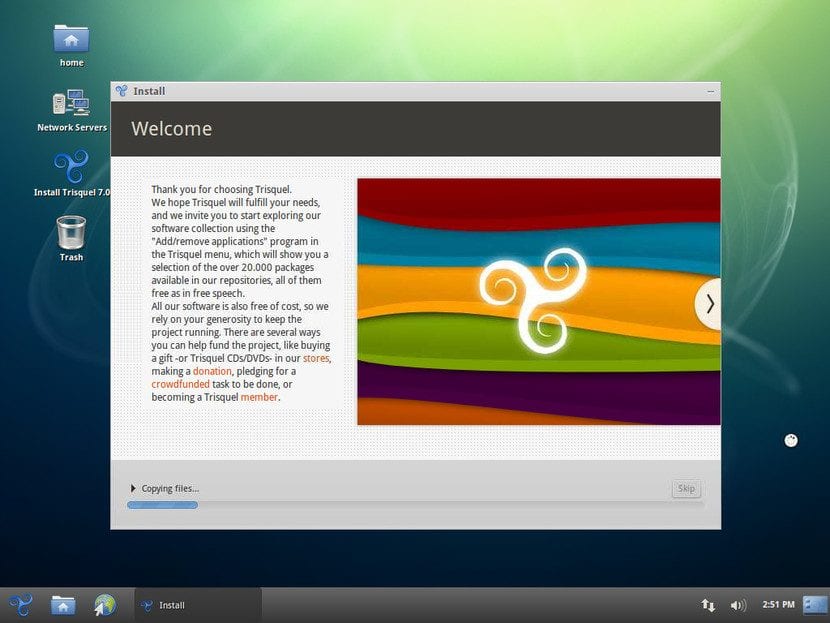
The Spanish distribution Trisquel , originating from Galicia , has a Mini version that is lighter than its larger sibling. It's a 100% free distribution like Trisquel, but Trisquel Mini is specifically optimized for older or less resource-intensive hardware.
It uses Ubuntu Linux as its base and LXDE as its default desktop environment . You'll also find some resource-efficient applications for everyday use, such as AbiWord, MPlayer, Midori, etc.

PeppermintOS
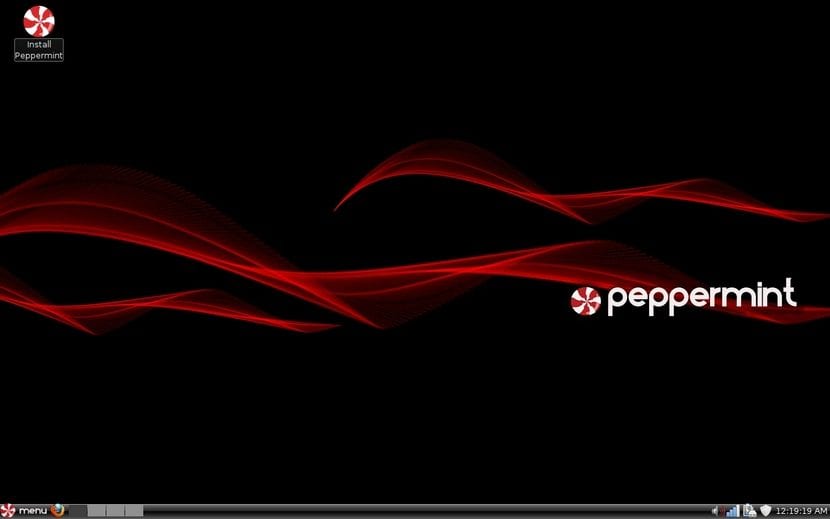
Peppermint OS is another lightweight distribution based on Lubuntu, that is, Ubuntu Linux with the LXDE desktop environment. Besides prioritizing lightness and optimization for low-resource or low-power computers, the developers have also kept cloud computing in mind.
Therefore, if you have a computer with low-powered hardware, with 192MB of RAM, and you like Lubuntu but need cloud computing capabilities , this is the best choice for you.



Linux Lite
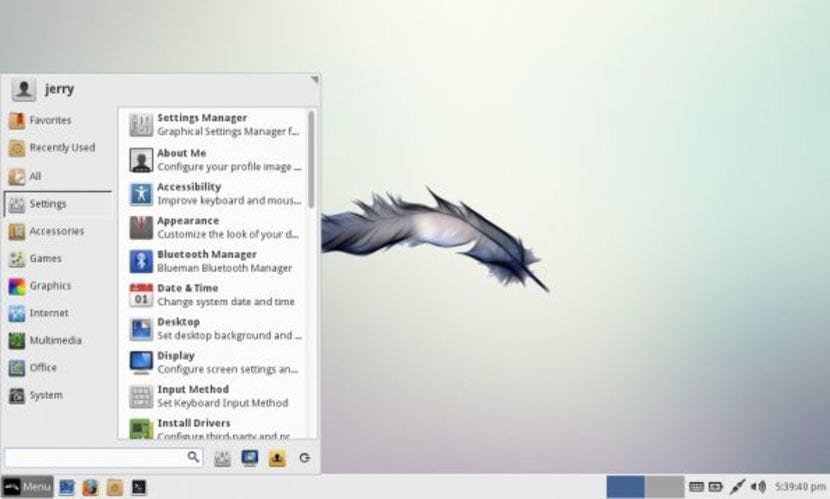
Linux Lite is a lightweight distribution based on Ubuntu LTS . As you know, these Long Term Support versions have extended support for 5 years, therefore guaranteeing long-term stability and updates.
Its creator is Jerry Bezencon , who brings us this distro from New Zealand. Jerry took into account that the system should be as user-friendly as possible for those without prior experience, so it's easy to use. Of course, he also considered the reduced resource consumption thanks to the XFCE desktop environment.
Bodhi linux
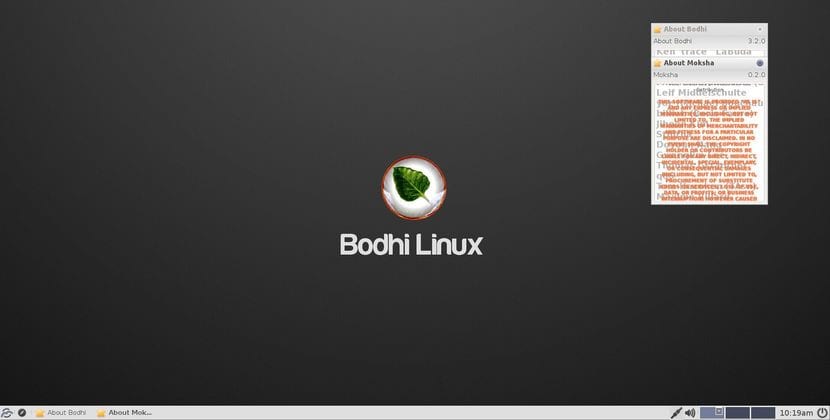
Bodhi Linux is a lightweight Linux distribution based on Ubuntu LTS and featuring the Moksha Desktop. Its design philosophy centers on providing a minimal base so users can complete the installation with the software they need, without adding non-essential packages that could bloat the distribution.
Moksha Desktop emerged from Jeff Hoogland, lead developer of Bodhi, when he grew tired of Enlightenment in version 18. That's why he decided to create a fork of E17, which would include new features and functionalities that were only present in later versions.
Don't forget to leave your comments. What's your favorite lightweight Linux distribution ? Besides these, there are others like Vector Linux, Slitaz, LXLE, Absolute Linux, MX Linux, Macpup, etc., which are no longer actively developed, but you can visit their official websites to download images of the latest versions.
If your computer has plenty of power, be sure to install these highly recommended Linux distributions .
Table of Contents