
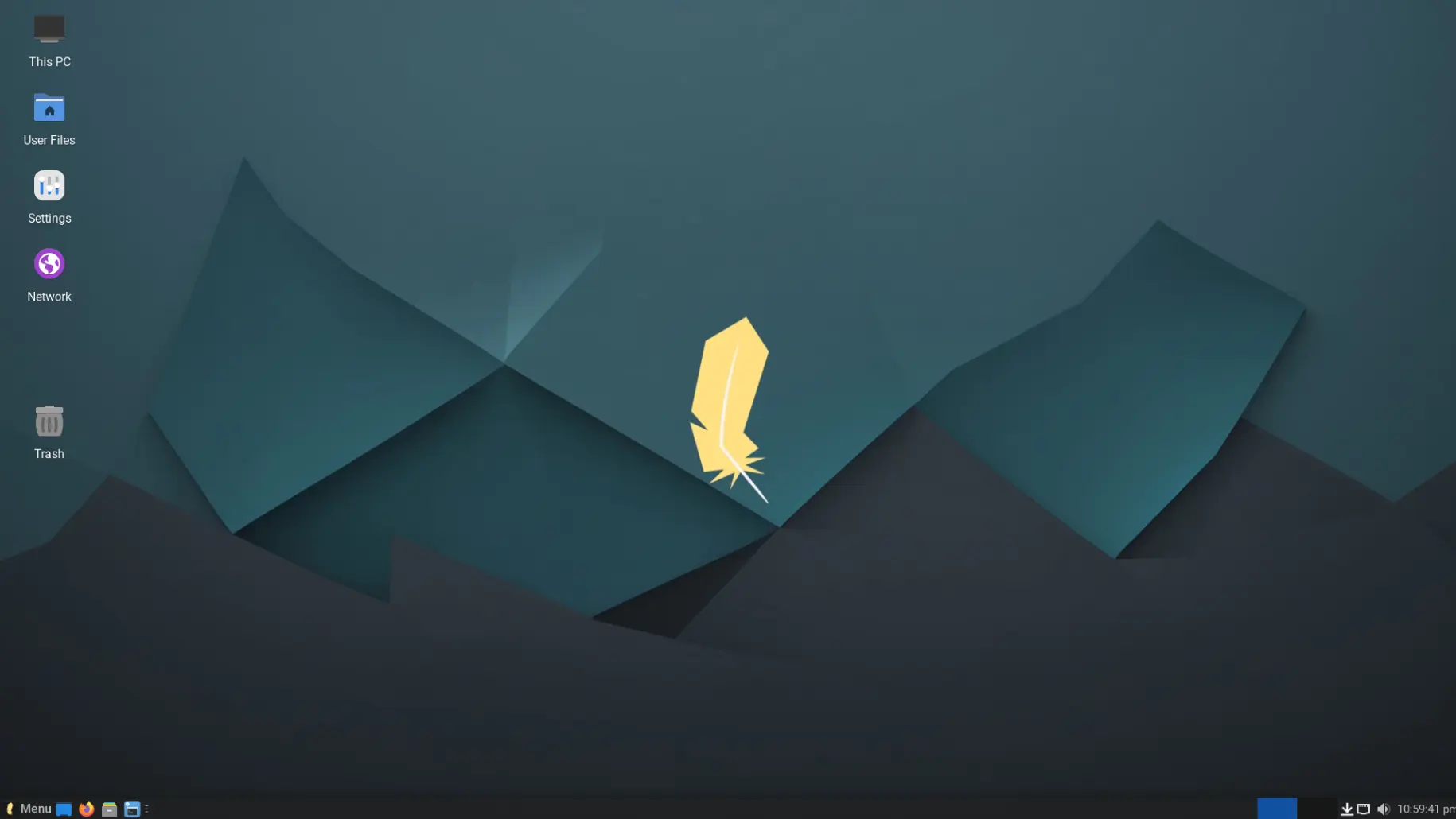
Linux Lite 8.2 is now available under the codename Hematite. This new version of the distribution, based on Ubuntu 26.04.1 LTS, retains the Xfce desktop environment and the LightDM session manager, but introduces significant changes to its custom kernel, improves compatibility with certain NVIDIA drivers, and fixes several issues related to the installer and system tools.
The main new feature is the evolution of Linux Lite Advanced Performance Kernels, a family of kernels compiled from the main Linux source code, downloaded from kernel.org and verified using GPG signatures. The project incorporates a selection of CachyOS patches and its own tweaks to try to offer a smoother experience with lower latency on everyday computers.
Two kernel variants for desktop and gaming in Linux Mint 8.2
Linux Lite 8.2 offers two versions of the Linux 7.3 kernel. The first, called linuxlite , is the default and is intended for general computer use. It keeps security mitigations enabled and uses dynamic preemption to balance responsiveness and performance in common tasks.
The second variant, linuxlite-gaming , is geared towards video games and latency-sensitive workloads. It uses full preemption, the BORE scheduler, and disables kernel security mitigations. This configuration aims to improve system responsiveness and frame rate consistency, although it doesn't guarantee a performance increase for all games or systems.
Both variants retain the EEVDF scheduler, while BORE is reserved for the gaming edition. Users can install and manage these kernels from Lite Kernel Manager, a utility that also includes performance evaluation and results export functions.
Improvements for NVIDIA and the installer
Compatibility with NVIDIA graphics cards also receives attention. Linux Lite 8.2 includes the linuxlite-nvidia-kernel-patch package , designed to facilitate the operation of NVIDIA's proprietary drivers with the main Linux 7.3 kernels.
Lite Driver Manager improves the process of switching between graphics drivers and incorporates additional checks to avoid recommending versions incompatible with older graphics cards. Meanwhile, Lite Kernel Manager improves the readability of its interface and the handling of errors related to third-party DKMS modules.
The Calamares installer has received several fixes, especially for installations with encrypted partitions. Among them is a solution to a problem that could cause an installation to appear as failed upon completion, even though the system was already correctly written to the disk. The cause was the closure of an encrypted swap partition that was still active.
Issues related to GRUB, the configuration of encrypted installations, and the automatic mounting of existing file systems have also been fixed.
Lite Game Center and system tools
The Linux Lite game center includes improvements to simplify the installation of 32-bit graphics libraries required to run certain Windows games using Wine-GE. The goal is to reduce manual configuration and simplify environment setup.
The distribution's own tools also receive minor interface tweaks, bug fixes, and translation updates. Lite Welcome, Lite Upgrade, and Calamares are among the components that have been updated.
How to upgrade to Linux Lite 8.2
Linux Lite 8.0 users can perform the upgrade using the Lite Upgrade tool, available in the system settings menu. The development team recommends installing all pending updates first and creating a restore point with Timeshift before starting the upgrade process.
There is one important detail: the system update does not automatically replace the existing kernel. Those who wish to use Linux 7.3 will need to select and install the corresponding variant from the Lite Kernel Manager.
The Linux Lite 8.2 ISO image is available for 64-bit systems and is approximately 2,6 GB in size. The distribution continues to offer an alternative based on Ubuntu and Xfce, with its own tools and a kernel tailored to its performance goals.
Table of Contents